OP

Tim Curtis
Active Member
- Thread Starter
- #541
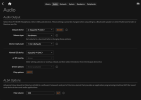
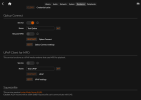
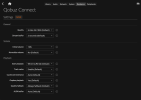
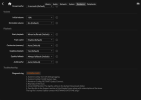
With moOde 10.3.4 all you need is the qbzd binary. It performs "qconnect.pairing" automatically, there is no need for the manual login/auth process.Amazing progress. I installed the service from the tar file. Tried to run setup via SSH but since it doesn't have a GUI it wasn't able to authenticate. I copy pasted the auth link on my laptop browser and it tries to redirect to localhostort running on the streamer. How do I get it to authenticate on Moode? If this can be done via the Moode UI it would be wonderful.
If you did run the now obsolete installer from the maintainers repo it will prolly cause tons of breakage so best to start with fresh 10.3.4 image and then run the commands below.
Code:
# Download and install the experimental binary. Use release "2.0.2.moode49"
sudo bash -c '
RELEASE="2.0.2.moode49";
wget -q https://github.com/PhilipVinc/qbz/releases/download/qbzd-v$RELEASE/qbzd-$RELEASE-linux-aarch64.tar.gz -O qbzd-$RELEASE-linux-aarch64.tar.gz;
tar -xf qbzd-$RELEASE-linux-aarch64.tar.gz;
cp -f qbzd-$RELEASE-linux-aarch64/qbzd /usr/local/bin/'

# Print the version
qbzd --version
IMPORTANT!
Its all experimental at this point. Practice Volume Safety and make sure you have a downstream volume control set to a low level before connecting and playing.
Let me know how it goes